Revoke an invite
Use this guide when an invitation was sent to the wrong person or is no longer needed.
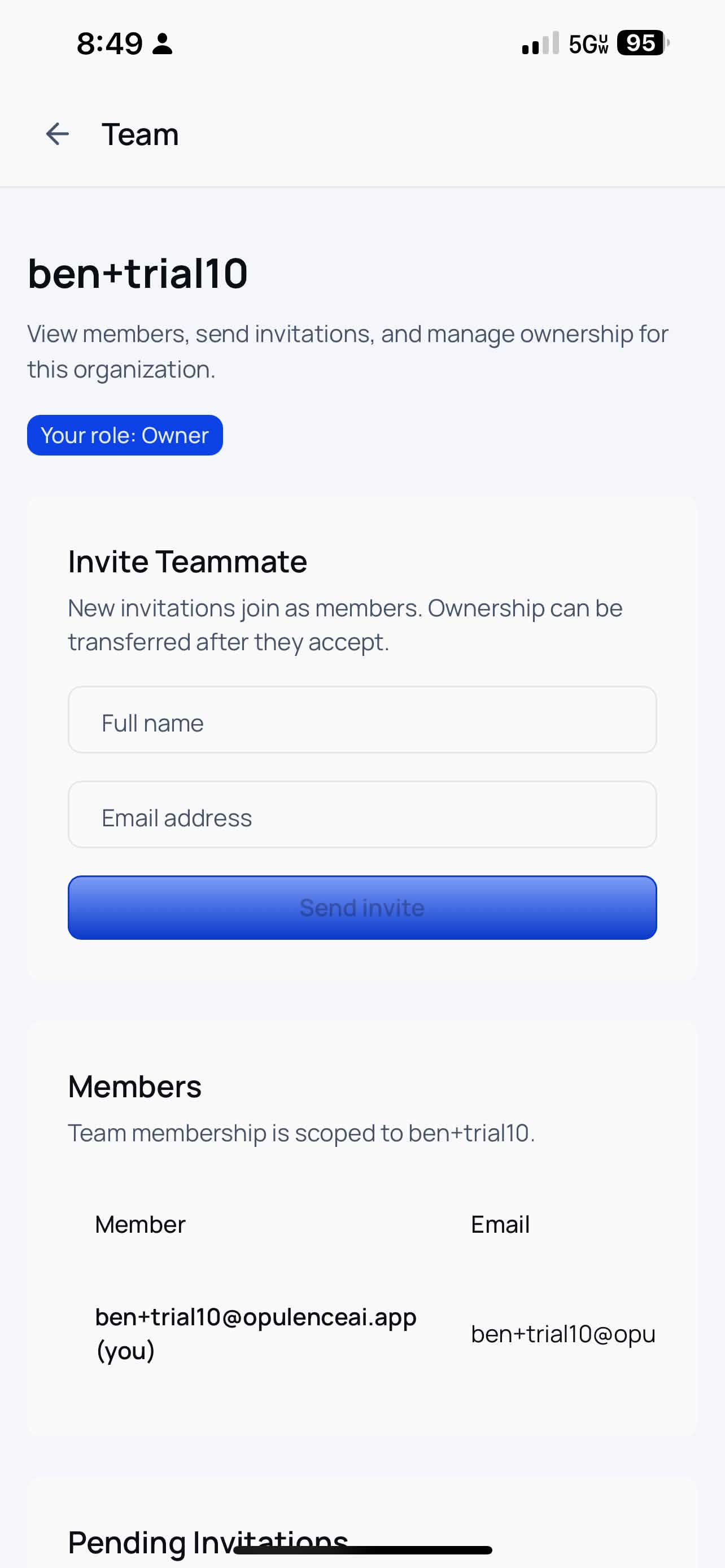
Step 1 — Open the Team page
Tap the menu icon, then tap Team. Scroll to Pending Invitations.
Step 2 — Revoke the invite
Scroll the table to the right if needed, then tap Revoke.
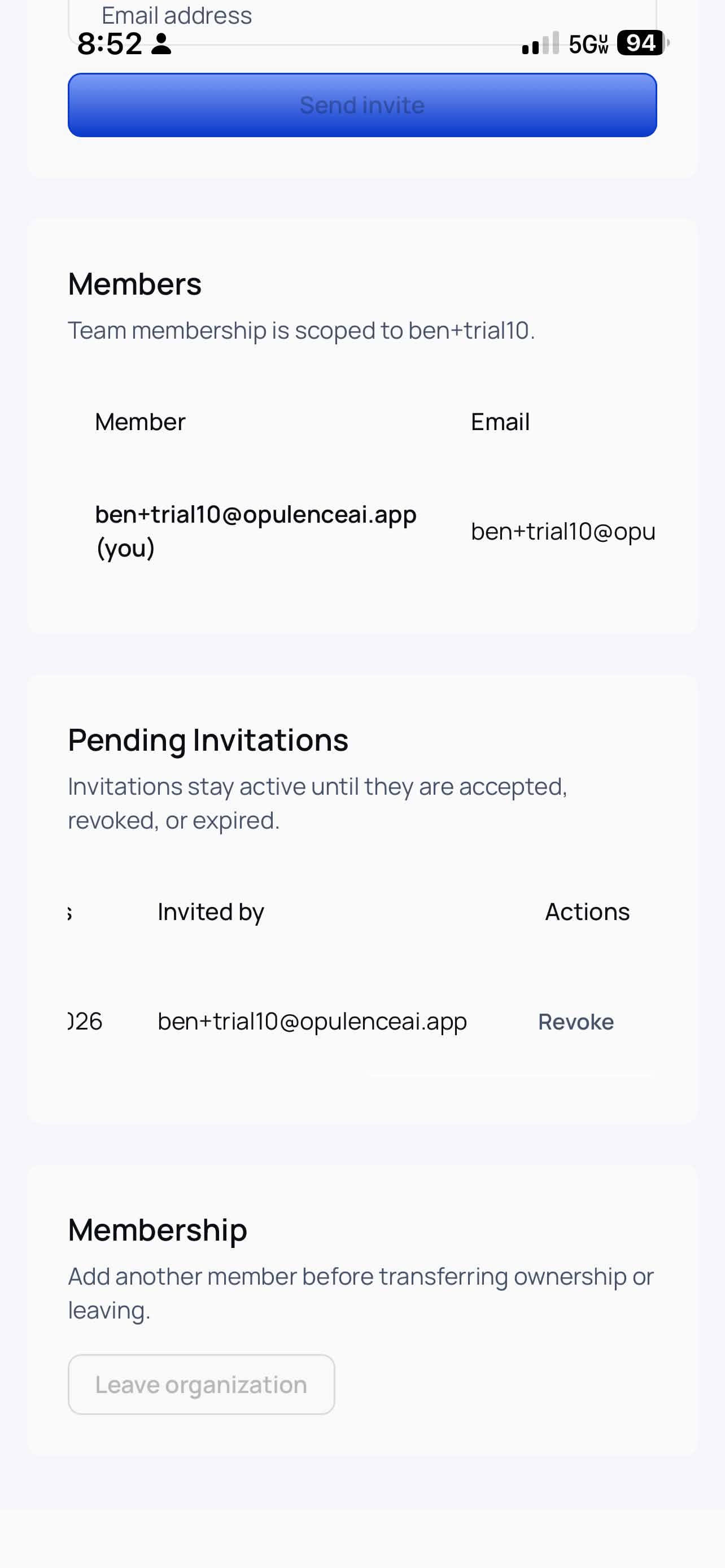
Once revoked, the original invitation link will no longer work.