Check your organization
Use either of these quick checks to confirm which organization you are currently in.
Method 1 — Open the menu
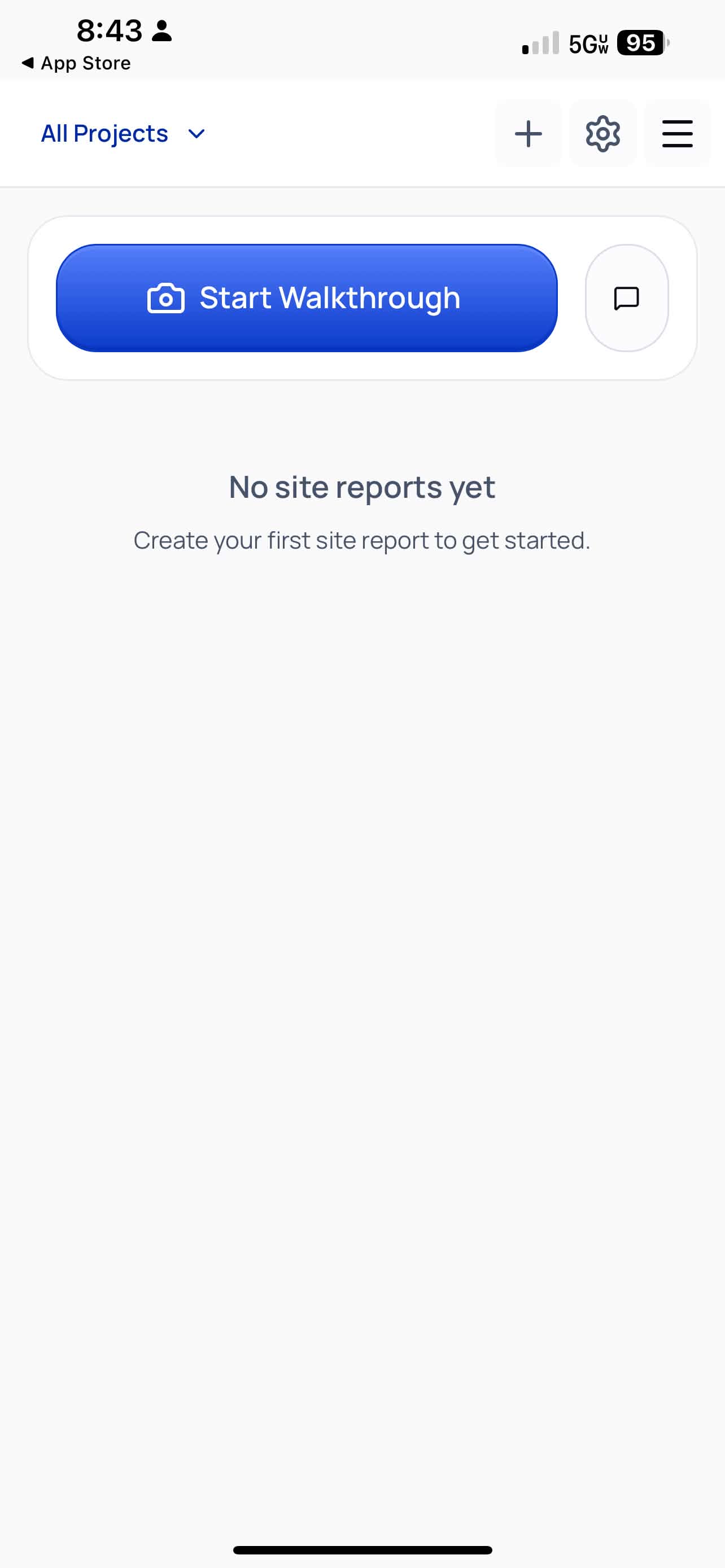
Tap the menu icon. The organization dropdown near the top shows the current workspace.
Method 2 — Open the Team page
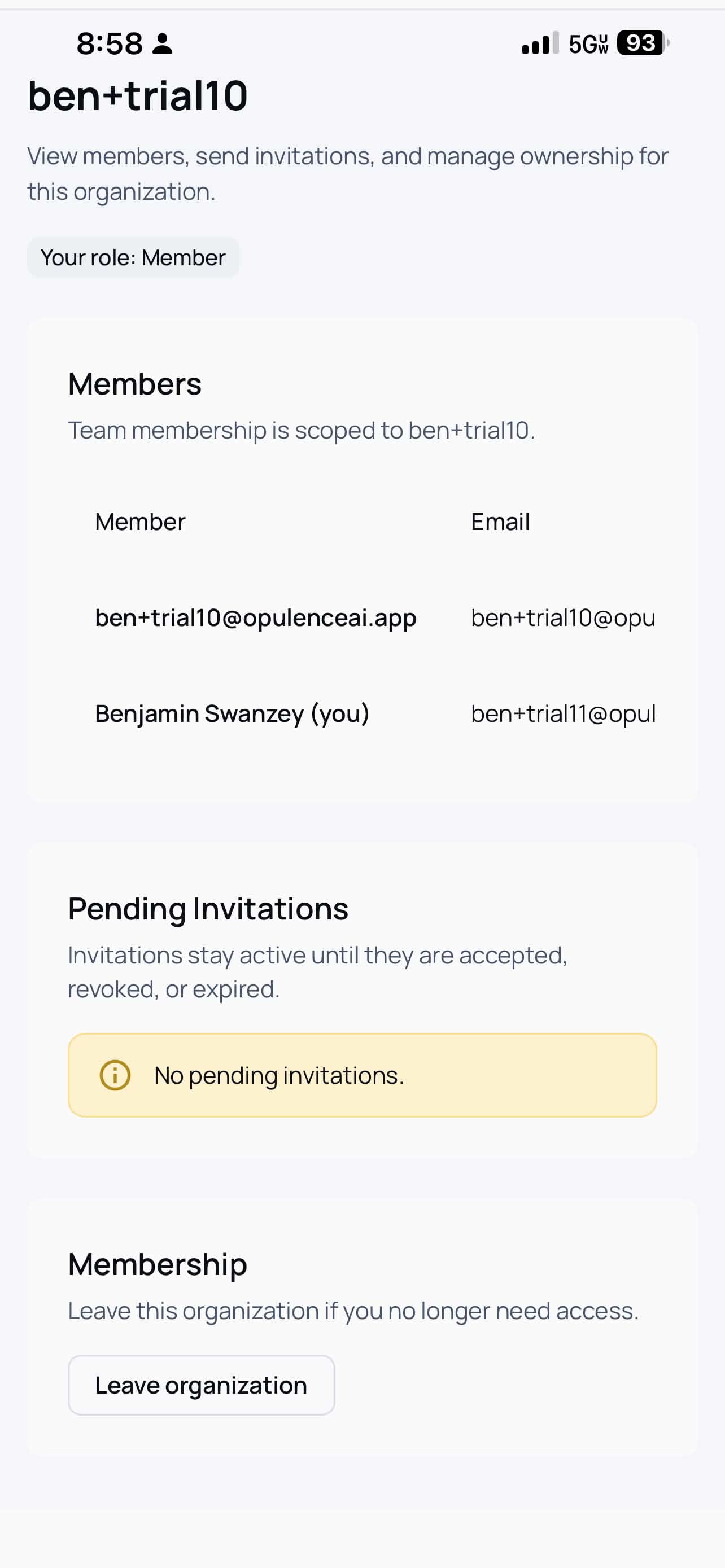
Tap Team in the menu. At the top of the page you will see the organization name and your current role.