Sign in
Use this guide if you already have an Opulence account and need to access the app again.
Step 1 — Open the app
Open Opulence on your device. The sign-in screen appears.
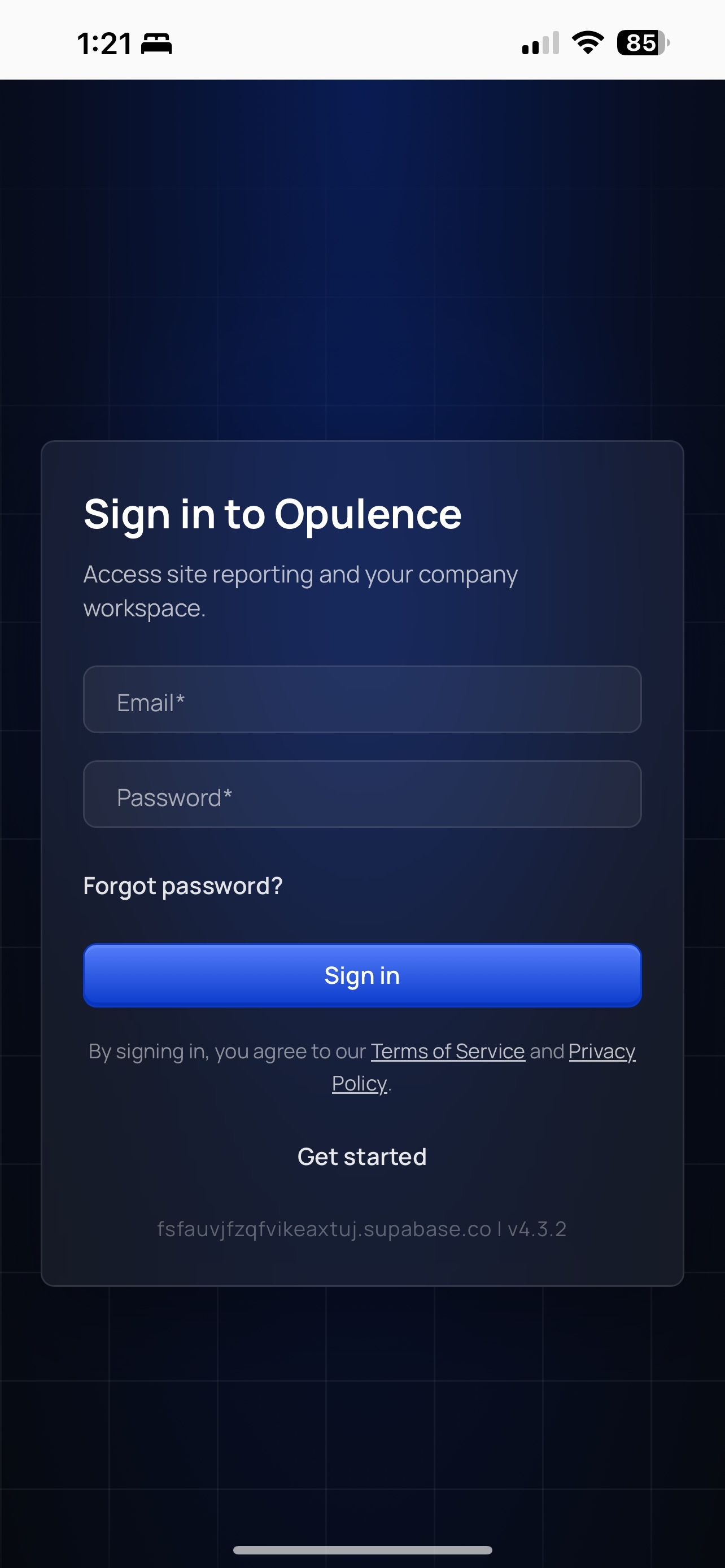
Step 2 — Enter your credentials
Type the email address and password connected to your Opulence account.
Step 3 — Tap Sign in
Tap Sign in to enter the app.
If sign-in does not work
- Use Reset your password if you forgot the password.
- Use Create an account if you do not have access yet.
- Use Accept an invitation if your teammate added you to an existing workspace.