Create an account
Use this guide if you are setting up a brand new Opulence account for yourself or your team.
Step 1 — Visit the sign-up page
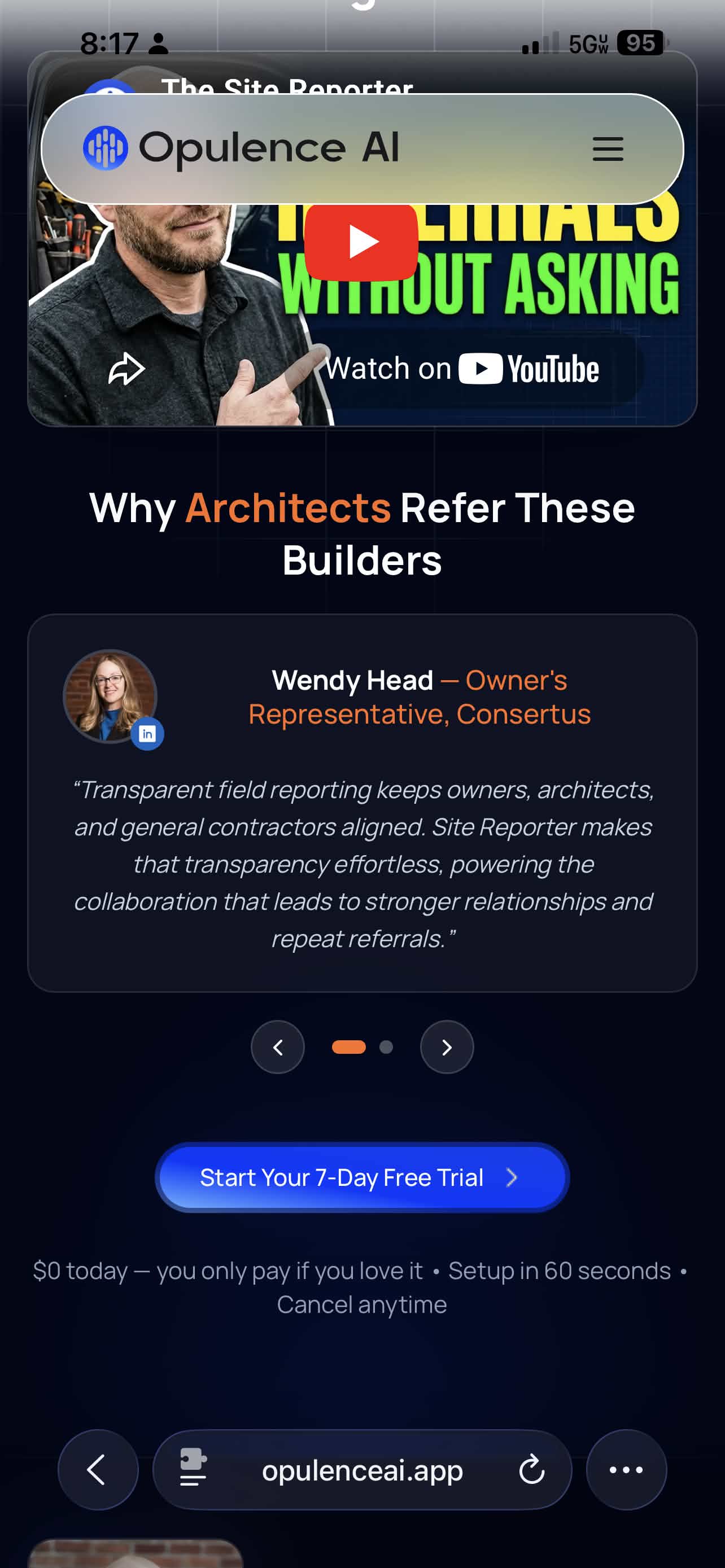
Go to opulenceai.app/checkout-site-reporter/referral in your browser.
You will land on the Site Reporter checkout page. Scroll down and tap Start Your 7-Day Free Trial.
Step 2 — Enter your details
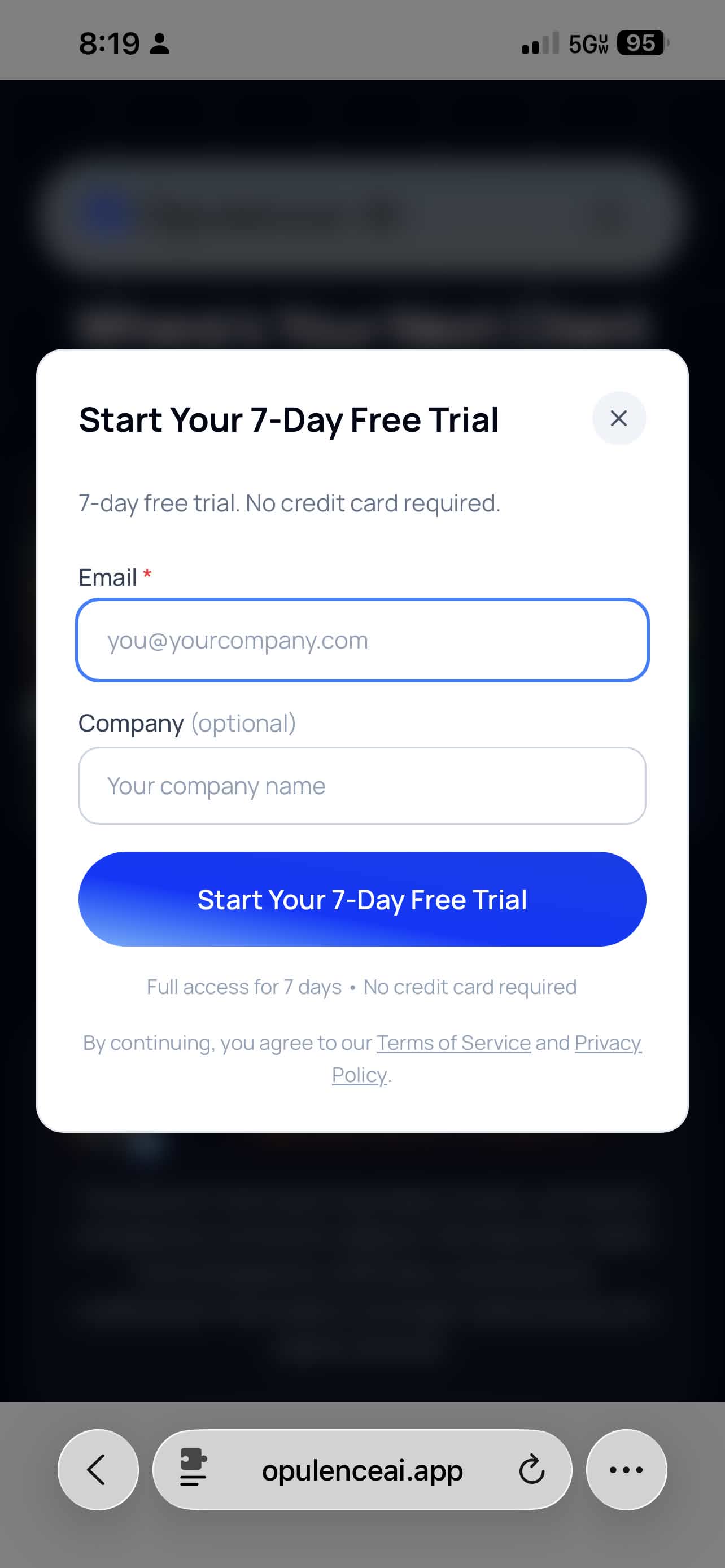
Fill in the form:
- Email — your work email address
- Company — your company name, if you want it attached to the account
Then tap Start Your 7-Day Free Trial.
tip
No credit card is required for the free-trial flow shown here.
Step 3 — Download the app
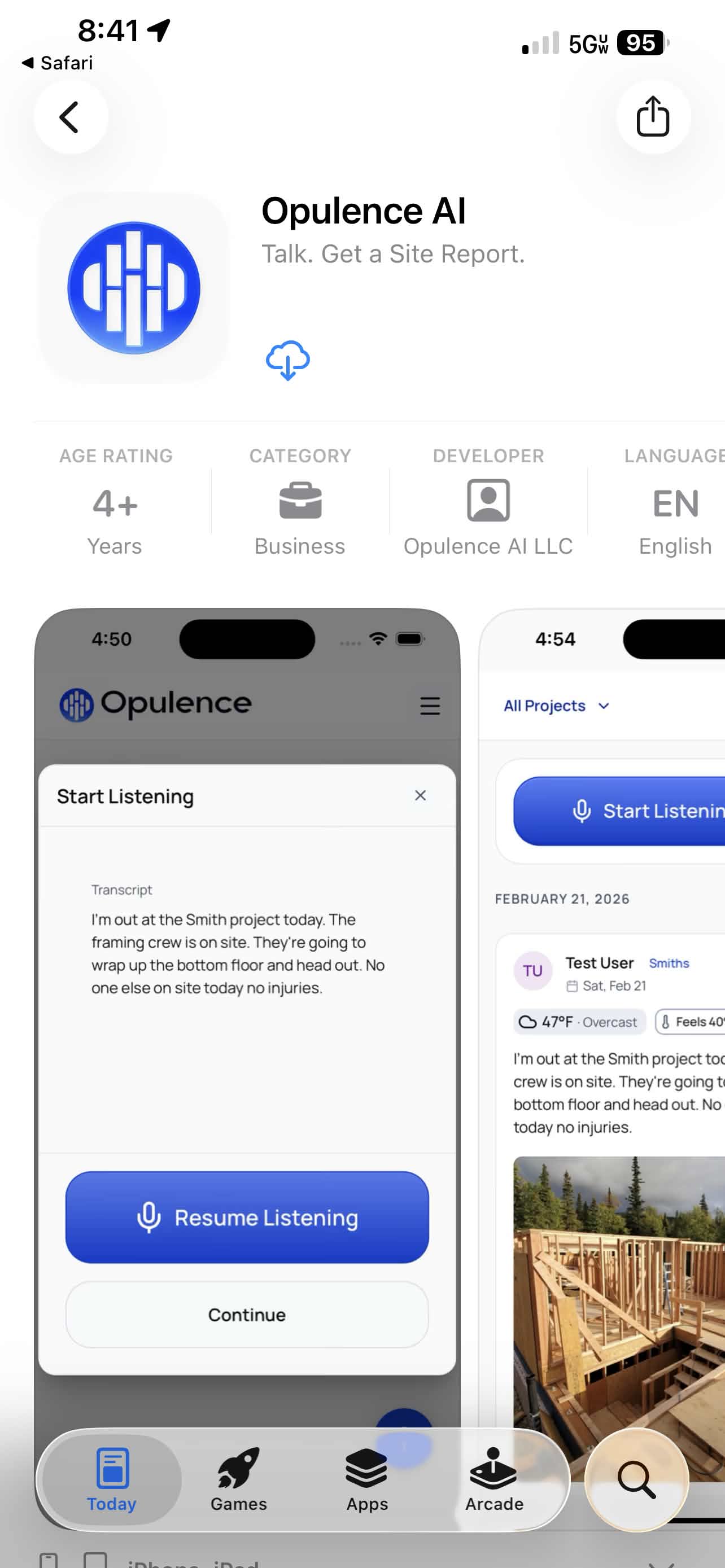
After signup, you will be redirected to the App Store. Tap Get to install Opulence.
Step 4 — Open the app
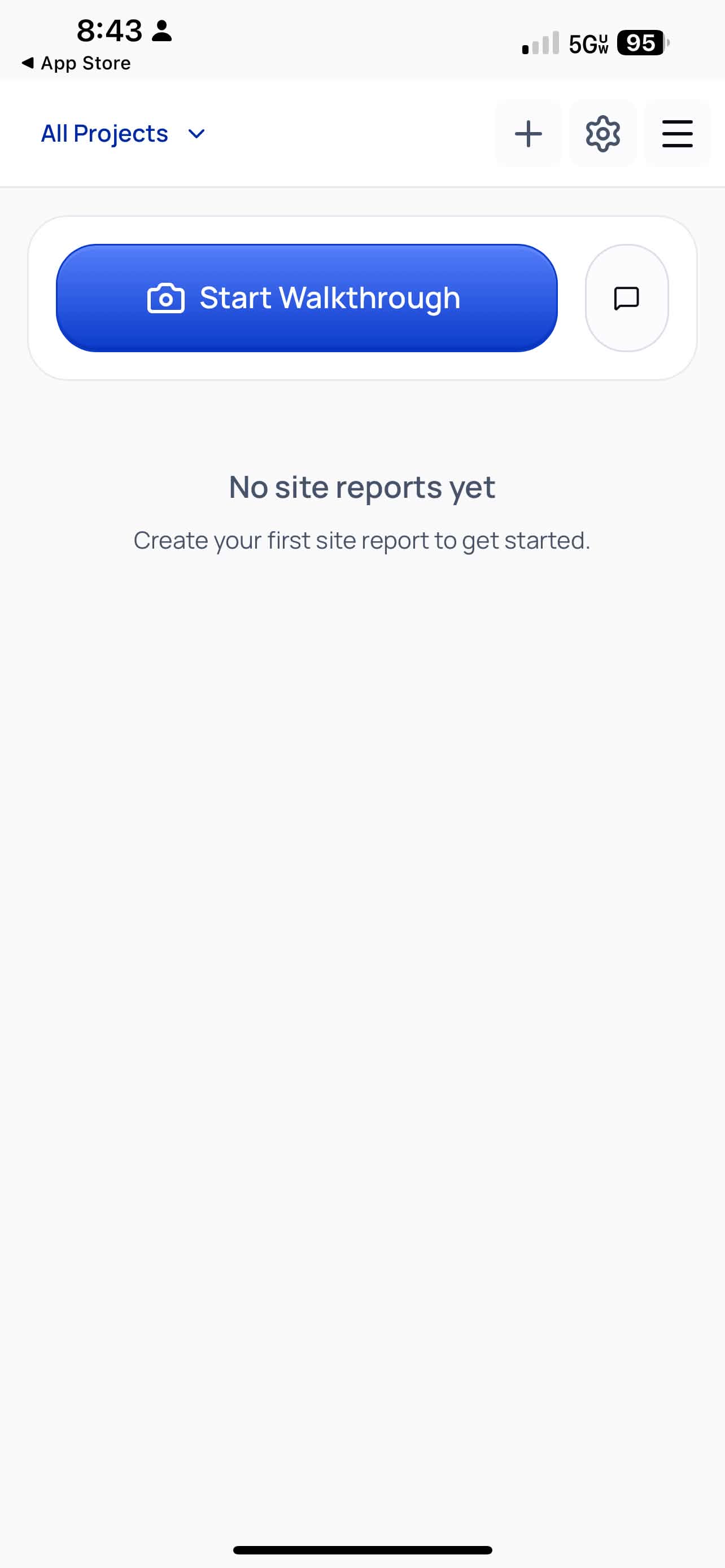
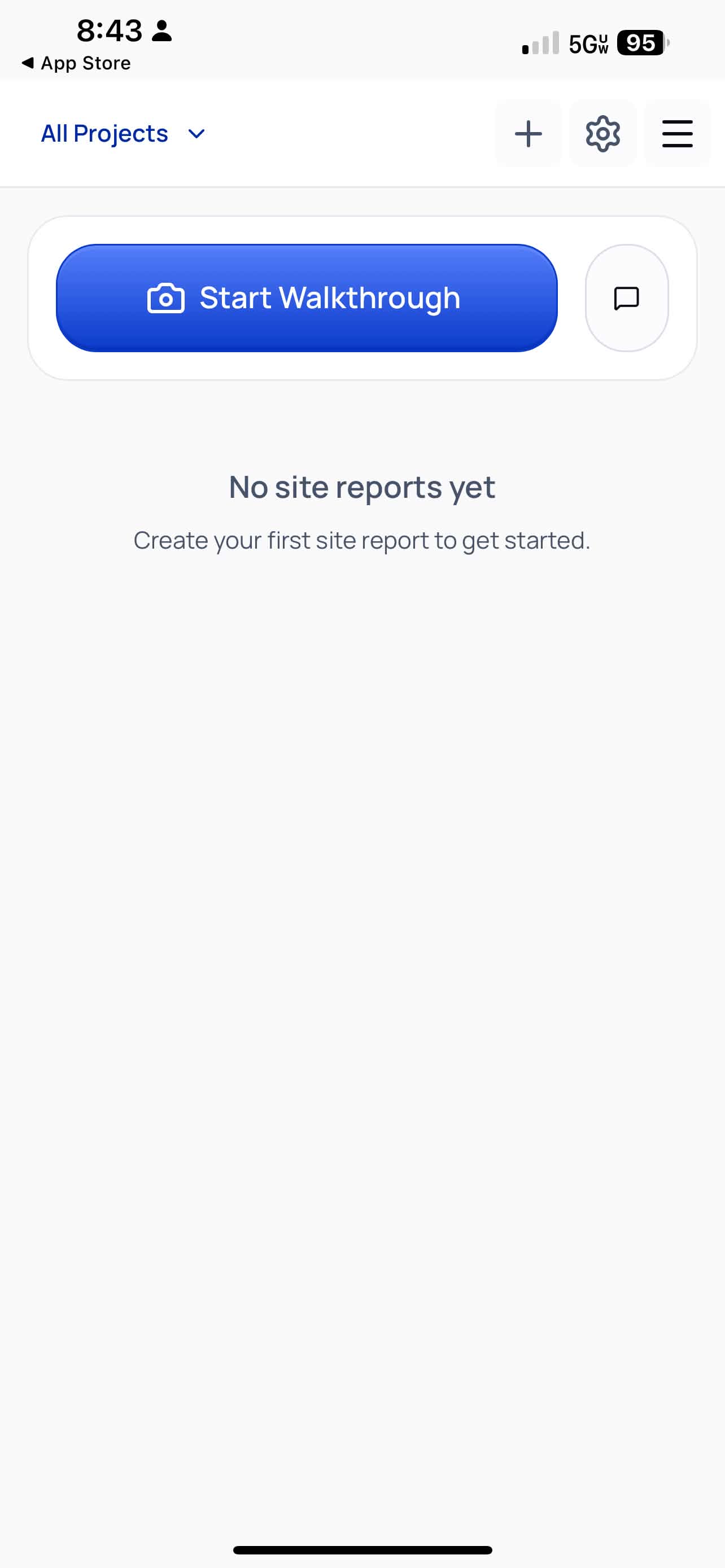
Once the download finishes, tap Open. You should land on the home screen.
Step 5 — Start the walkthrough
Tap Start Walkthrough to get a guided tour of the app.
Next step
Once your account is live, continue with Getting started.