Accept an invitation
Use this guide if someone on your team invited you into an existing Opulence workspace.
Step 1 — Open the invitation email
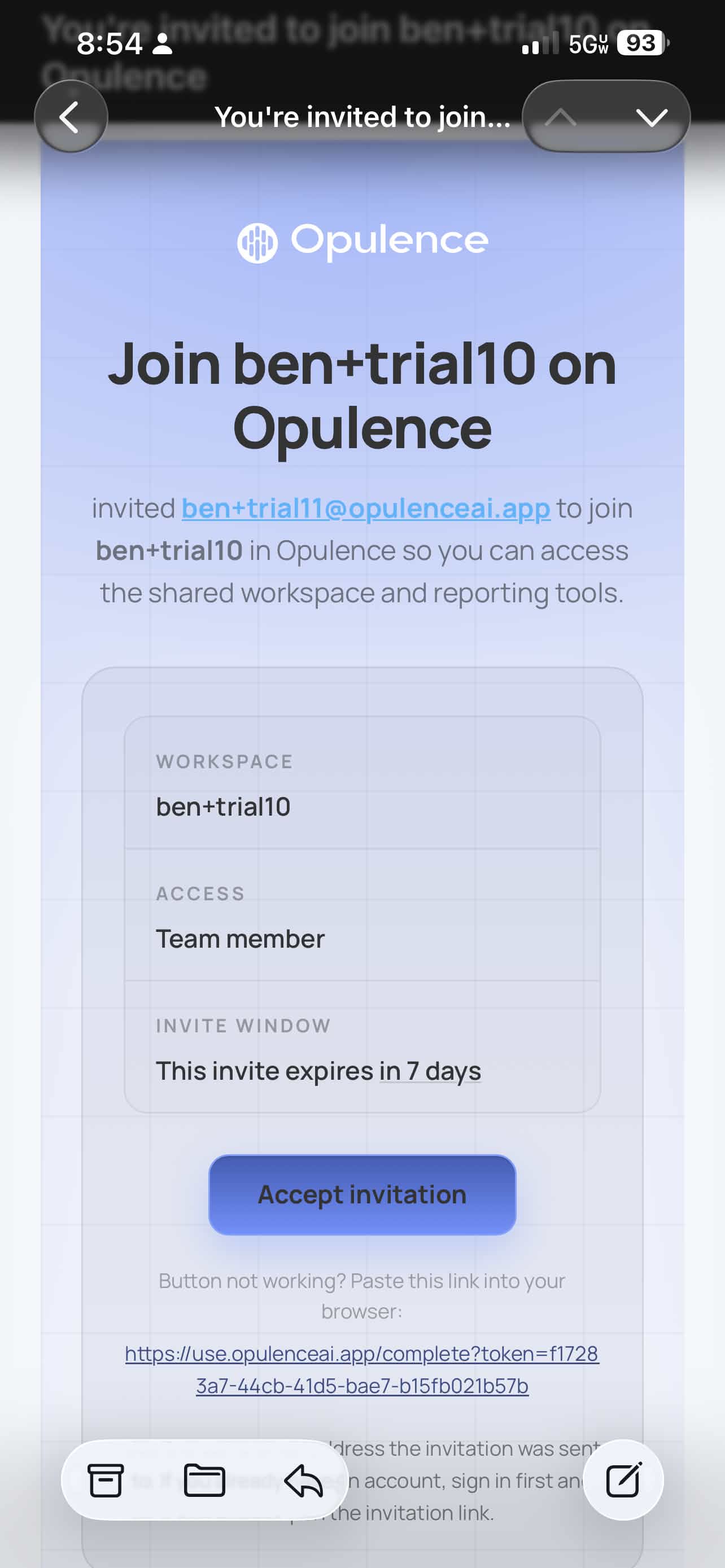
Look for an email from Opulence with an invitation link, then tap Accept invitation.
Step 2 — Install the app if needed
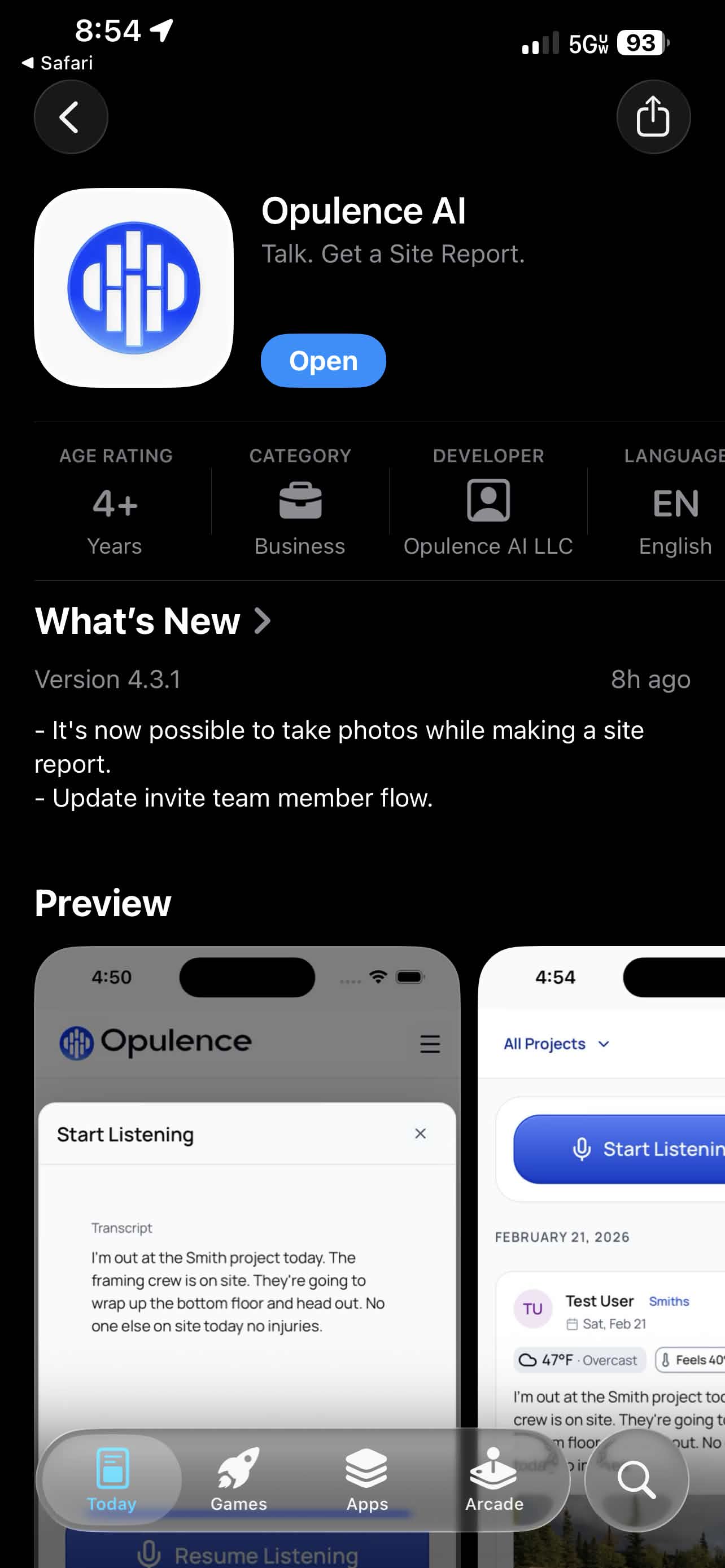
If Opulence is not installed yet, you will be redirected to the App Store. Tap Get. If the app is already installed, you may see Open instead.
Step 3 — Open the app
Once the app opens, you should be logged in and added to the inviting organization.
Step 4 — Confirm the workspace
Use Check your organization to verify that you landed in the right place.